Search hotspots by name
Start with a hotspot name, open a direct route, and move from broad network discovery into a single hotspot view quickly.

Helium explorer and map entry point
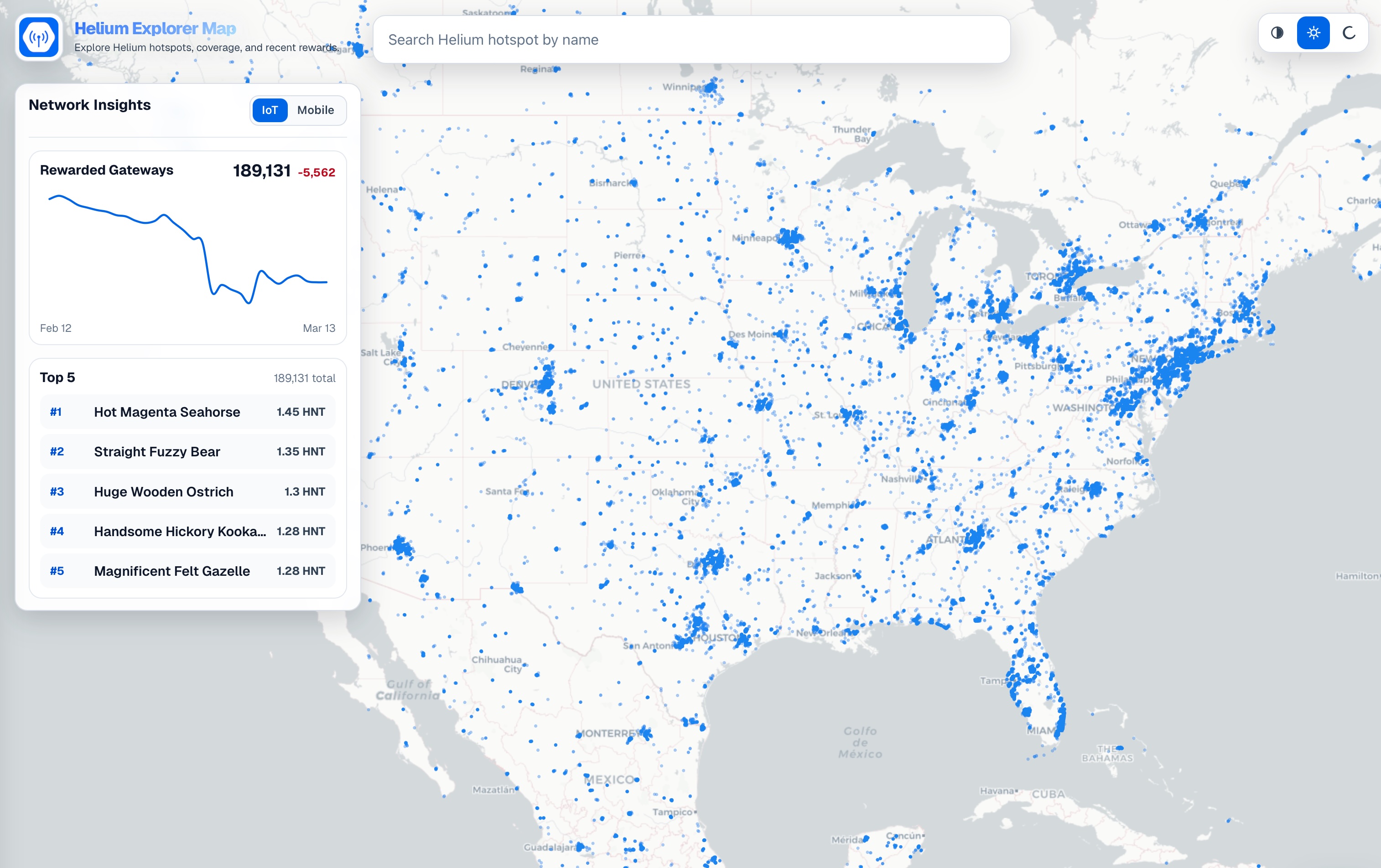
Use HeliumGeek to search hotspots by name, inspect recently rewarded areas on the map, review the current network pulse, and get a rough idea about hotspot health before moving into the mobile app for full detail.
Look up Helium hotspots by name and jump into a direct hotspot route.
Review rewarded-hotspot areas, the current trend chart, and the Top 5 hotspots in one place.
Check last epoch rewards, IoT activity gaps, or Mobile speedtest metrics before opening the mobile app for more.
What the explorer helps you do
People searching for a Helium explorer usually want a fast way to find a hotspot and a quick read on what is happening across the network. The current HeliumGeek explorer already brings the most important network-pulse data into the map itself, so visitors can get that overview without leaving the explorer workflow.
Start with a hotspot name, open a direct route, and move from broad network discovery into a single hotspot view quickly.
The explorer focuses on hotspots rewarded during the last 30 completed epochs, helping you spot areas with recent on-network activity.
The network insights panel gives a quick trend view so you can tell whether rewarded hotspot activity is rising, flattening, or slipping.
The explorer also surfaces the current Top 5 hotspot list so the strongest performers are visible from the same entry point.
Quick hotspot triage
The explorer is not meant to replace the deeper hotspot experience in the mobile apps. It is meant to answer the first question fast: does this hotspot look active and roughly healthy? To do that, it exposes a small set of high-signal metrics and then nudges people into mobile for the rest.
A compact reward snapshot gives a quick view of whether the hotspot has been earning recently.
For IoT hotspots, recent beaconed and witnessed gaps provide a rough view of radio activity and liveness.
For Mobile hotspots, speedtest readings help visitors gauge rough service quality without opening a heavier workflow.
Deep detail stays on mobile
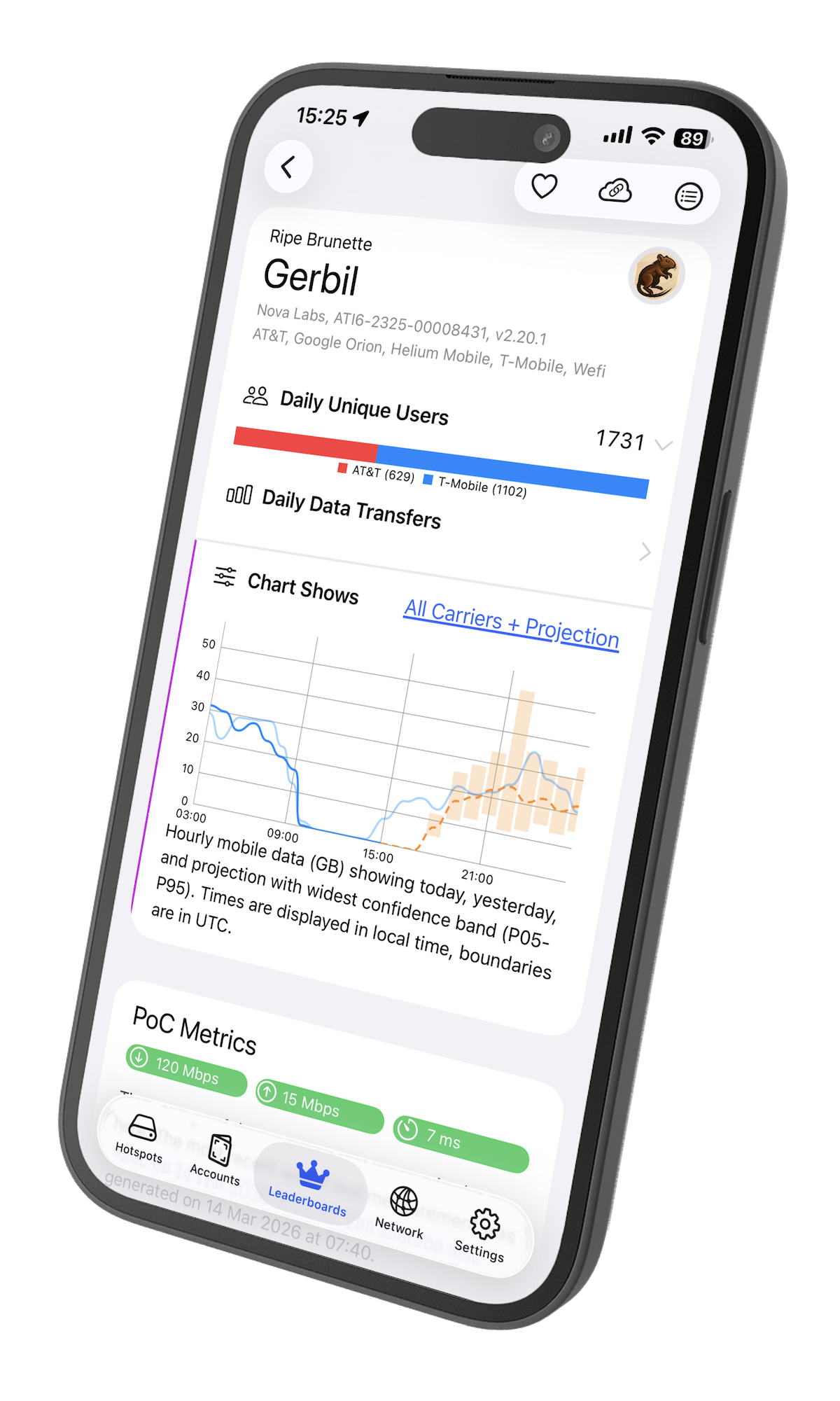
The mobile apps are where users can continue into richer hotspot monitoring, rewards analysis, PoC activity, data trends, and account-level workflows.
FAQ
It is the HeliumGeek entry point for map-based Helium discovery. You can search hotspots by name, inspect recently rewarded areas on the map, review the rewarded gateway trend and Top 5 hotspots, and get a quick health read on individual hotspots.
Yes. The interactive explorer supports hotspot search by name, which makes it a practical starting point when a map search needs to turn into a specific hotspot lookup.
The explorer gives a compact set of signals: last epoch rewards, recent beacon and witness gaps for IoT hotspots, and speedtest metrics for Mobile hotspots. That is enough to get a rough idea about hotspot health without turning the explorer into a full-detail product surface.
By design. The explorer is meant to help visitors search, scan, and triage quickly. When they want deeper hotspot investigation, HeliumGeek pushes them into the mobile app instead of trying to duplicate the full mobile detail experience on the web map.
Yes. The current explorer experience highlights hotspots rewarded in the last 30 completed epochs, which makes it more useful for recent network activity scanning than a static location-only map.
Ready to explore?
Start with the interactive map for search, network pulse, and quick hotspot triage. When you want the full hotspot story, continue in the HeliumGeek mobile app.